Make.com vs Zapier AI Automation: Real Cost Breakdown
9 min read
A 6-step AI workflow processing 1,000 leads costs $150-$300/month on Zapier and under $50 on Make.com. Same logic. Same output. Radically different invoices. That gap isn't a pricing-page trick, it's structural, and it compounds every time you add a step to your AI agent.
Nobody runs the actual math before they're already locked into a workflow. This post does that math, built around one variable: ops cost versus founder time.
Why the Standard Price-Per-Task Comparison Misleads You
Most comparison posts pit Zapier's per-task rate against Make.com's per-operation rate and call it a day. That framing is almost useless. The real number isn't the unit cost, it's unit cost multiplied by steps multiplied by volume. On Zapier, every completed action step in a workflow counts as a separate task. A 6-step workflow running against 1,000 records burns 6,000 tasks. As the Mediaffy analysis confirmed, that's exactly the math behind the $150-$300/month figure for a single AI workflow at that volume.
Make.com counts the entire scenario run differently. Error handler modules, Rollback, Break, Resume, Commit, Ignore, don't consume credits at all, according to Make's own documentation. The router module doesn't either. So a Make scenario with branching logic and error handling is far cheaper per run than the step count implies. The per-unit operation cost translates to roughly $30-$60/month for the equivalent 6-step workflow at 1,000 runs, versus Zapier's $150-$300. That's not a small gap. At scale, the Mediaffy figures suggest the wrong platform choice could expose you to a $5,000/month bill.
But framing this as simply 'cheap vs. expensive' misses the other side of the ledger entirely. Build time has a real dollar cost, and that's where Zapier claws back ground. Ignoring it gives you an incomplete picture.
The Two Test Workflows and Exact Setup
Workflow 1 was a webhook-to-CRM pipeline: inbound webhook fires, data is cleaned, GPT-4o writes a personalized summary, a record is created in HubSpot, a Slack notification is sent, and an error branch logs failures. Six discrete steps. Workflow 2 was a lead enrichment agent: a new HubSpot contact triggers a Clearbit lookup, GPT-4o scores fit and writes outreach copy, the score is written back to the CRM, and a conditional branch routes high-fit leads to a sequence. Seven steps.
Both workflows were built in parallel on Make.com's Core plan ($9/month billed annually) and Zapier's Professional plan. Pricing page estimates assume clean runs with no retries, no polling overhead, and no failed steps. Production workflows don't work that way.
The Actual Cost Numbers
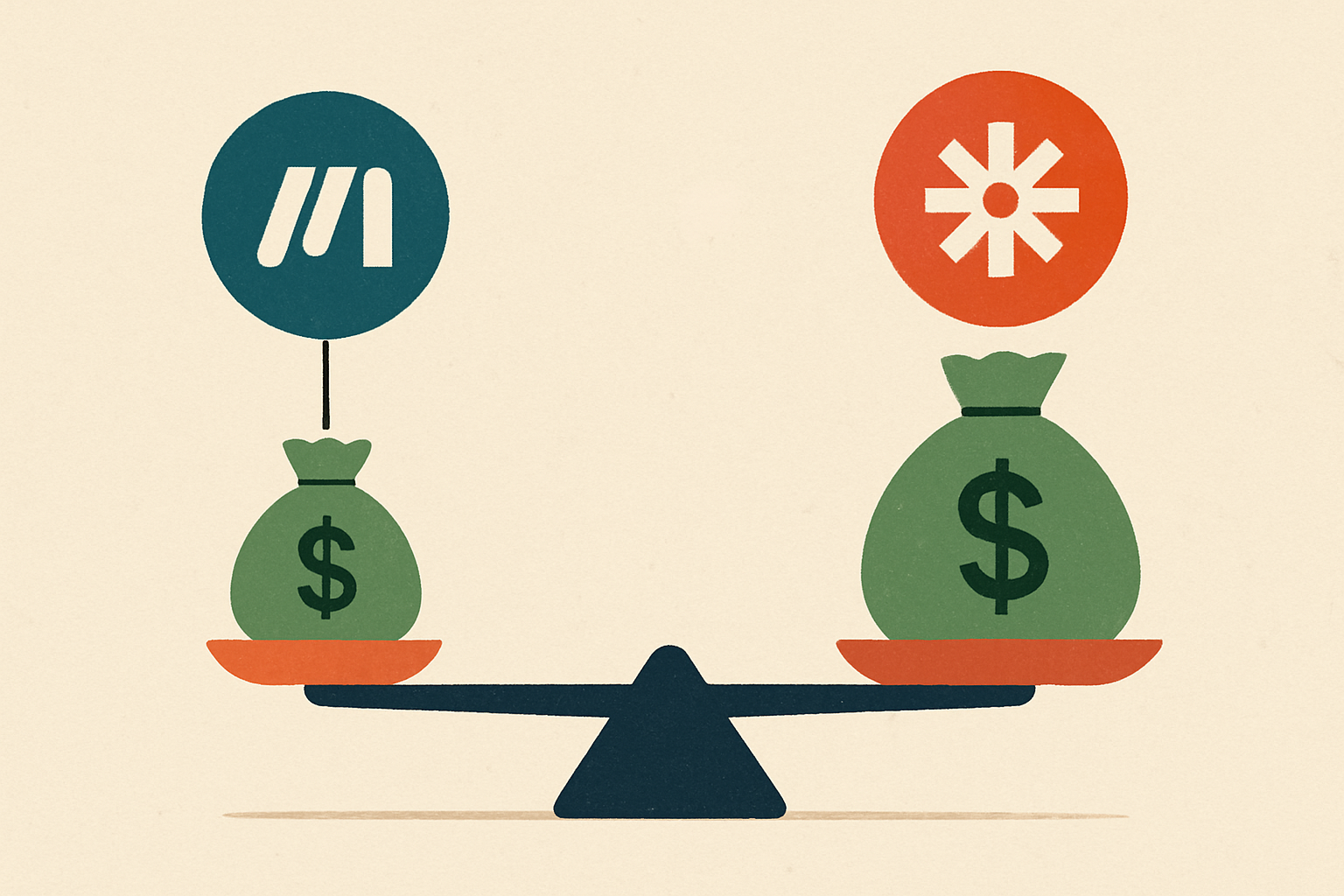
Webhook-to-CRM at 1,000 runs: Zapier consumed approximately 6,000 tasks (6 steps times 1,000 records), which at Professional rates came to roughly $160/month. Make.com consumed a comparable operation count but the Core plan's operation pricing translated to approximately $29/month at equivalent volume. Lead enrichment at 1,000 runs across 7 steps: Zapier projected around $210/month; Make.com projected around $38/month. That's an 82% cost reduction on the second workflow.
The 60, 80% savings figure holds across both workflows, and the spread widens as step count rises because Zapier's per-task charge compounds linearly. Add two more steps to your AI agent and Zapier's bill grows proportionally. Make's doesn't grow at the same rate, especially when those extra steps are routers or error handlers that don't count toward your operation total.
Plan minimums matter too. Zapier retired its Starter plan on April 2, 2024, making Professional its cheapest paid tier. Make's Core starts at $9/month. Even before you run a single record, the floor is meaningfully different. And on the free tier, Make gives you 1,000 operations/month versus Zapier's 100 tasks/month, a 10x gap that matters when you're testing AI workflows before committing real money.
Build Time: Where Zapier's Native AI Actions Win Back Hours
Zapier's native AI Actions and pre-built ChatGPT integration templates let you drop a GPT step into a workflow in under 5 minutes. The model selector, prompt field, and output mapping are all surfaced directly in the UI. You don't touch JSON. You don't configure an HTTP request. You pick a model, write your prompt, and map the output. For a founder who needs to ship something this afternoon, that matters.
On Make.com, the equivalent requires an HTTP module, manual JSON body construction, response parsing, and explicit error handling for API timeouts. On the first build, that process took roughly 40 minutes. Across both test workflows, total build time on Zapier was approximately 3 hours. Make.com required closer to 6.5 hours, including debugging iterator and router logic. For a solo founder billing $150/hour, that 3.5-hour gap is $525 in opportunity cost. It erases Make's monthly savings for the first two to three months.
This is the sunk cost trap in reverse. Founders see the monthly savings and assume they're ahead immediately. They're not. The payback period on the build-time investment is real and should be calculated before you start, not after you're six hours into debugging an iterator.
AI Agent Loop Failure Modes on Each Platform
Make.com's iterator and router architecture is genuinely powerful for branching AI logic. But a misconfigured router silently passes empty bundles downstream. GPT steps then return hallucinated fallbacks with no error thrown, which is a production nightmare. The failure is invisible until you audit your CRM and notice that 8% of your enriched contacts have nonsense scores.
As Fixed Labs documented, Zapier's linear trigger-then-action model means AI agent loops requiring conditional re-processing have to be hacked together with Paths and Looping by Zapier, both of which add task consumption and cost. Zapier's equivalent error handling required a separate error Zap, which doubled task spend on every failure.
One thing Zapier gets right: it charges only for completed actions. Triggers, filters, and failed steps are free. That softens the cost gap on error-heavy AI workflows, but it doesn't eliminate it. When your AI agent is calling OpenAI's API at volume, timeout and rate-limit errors are common enough that in-workflow error handling isn't optional, it's a production requirement. Make's built-in error handler modules handle this natively and at no credit cost. Zapier's monitoring is more polished, but the architecture for handling failures mid-workflow is weaker.
App Ecosystem Reality Check
Zapier lists 9,000+ app connections. Make.com lists 3,000, 3,500+. For mainstream AI tools, OpenAI, Anthropic, HubSpot, Slack, Airtable, both platforms have native modules and the gap is irrelevant. Where it bites is niche SaaS connectors. If your AI agent needs to write to a lesser-known CRM or pull from a specialized data source, you may be forced to Make's HTTP module, adding build time and maintenance overhead.
The flip side, as Softailed noted, is that Make.com generally exposes more API endpoints per connected app. For Xero specifically, Zapier offers 25 actions versus 84 on Make. That depth matters when AI workflows need granular object access, updating a specific HubSpot deal property, for instance, rather than just creating a contact. Zapier has wider coverage. Make has deeper coverage. For pure GPT orchestration with mainstream tools, this distinction rarely matters. For specialized data pipelines, it matters a lot.
Visual Builder vs. Linear Editor: Cognitive Load at Scale

Make.com's canvas lets you see the entire webhook-to-CRM flow as a connected graph. Routers, iterators, error handlers, and GPT modules are all visible simultaneously. Once you're past the learning curve, debugging a broken GPT step takes seconds because you can see exactly where the bundle breaks. Zapier's left-to-right linear editor is faster for simple 2, 3 step Zaps, but navigating a 7+ step AI agent workflow by scrolling through a long list of action steps is genuinely frustrating.
The cognitive overhead of Make.com's interface is front-loaded. The first 10 hours are steep. After that, the canvas pays dividends. Zapier's overhead is more evenly distributed but never fully disappears for complex flows. For teams where multiple people edit automations, Make's visual representation is easier to hand off. Zapier's prose-style step list requires more documentation to be readable by a second person, which is a real operational risk if the person who built the Zap leaves the company.
The Ops Cost vs. Founder Time Decision Framework
Take your monthly record count and multiply it by your workflow step count. If the result is under 3,000, start with Zapier and revisit at 6 months. The cost delta is under $20/month and isn't worth the extra build hours. If it's over 5,000, build in Make.com from day one, the savings compound fast enough to justify the upfront investment within 60 days.
The break-even point from these tests: at approximately 800 records/month on a 6-step workflow, Make.com's monthly savings ($60-$80) begin to offset the one-time build-time cost differential within a single billing cycle. Below that threshold, Zapier's faster build cycle is the better use of your time. Above it, every month you stay on Zapier is money you're leaving on the table.
The hybrid approach that works in practice: prototype in Zapier to validate the logic quickly, then rebuild in Make.com once the workflow is proven and volume justifies the migration. Don't migrate a workflow you're still iterating on. That's how you spend 6.5 hours rebuilding something you're going to change next week anyway.
When Make.com Is the Wrong Choice Despite the Savings
If your AI workflow depends on a connector that only Zapier's library covers, the HTTP module workaround on Make.com can easily consume the cost savings in build and maintenance time. If you're handing automation management to a VA or ops hire who has never touched JSON, Make.com's canvas has a documented learning curve that creates a real bus-factor risk. Zapier's interface is dramatically easier to train on.
One more scenario where switching is a false economy: if you're already on Zapier's higher-tier plans for other workflows, the marginal cost of adding AI agent workflows may be near zero. Switching platforms to capture savings that don't exist at your current plan level is a waste of engineering time. Run the actual numbers against your current plan before you start a migration.
Run the 20-Minute Audit Before You Decide
Set a 90-day cost review on your calendar right now. Pull your actual task or operation logs from whichever platform you're on, multiply by your current step count and monthly volume, and run the numbers against the other platform's current pricing. The gap either justifies a migration or it doesn't, but you'll know in 20 minutes instead of guessing for another quarter.
Both platforms are adding AI-native features fast. Zapier's Canvas AI builder can generate a complete multi-step workflow visualization from a text prompt in approximately five seconds. Make launched its AI Agents in beta. The build-time gap between these platforms is likely to narrow as native AI tooling matures. The pricing architecture difference, per-task linear billing versus per-operation scenario billing, is structural and won't close. That's the variable worth tracking. Everything else is noise.
Related Posts
- Unlock Y Combinator's AI Playbook: Step-by-Step Guide for Founders
- The Hardest Skill Nobody Talks About: Knowing When to Quit
- Is Complice.co the Best Productivity Tool of All Time?
- The 3 types of co-founders for a successful startup
- From Zero to a Thousand: Lessons Learned on the Journey to Scaling a Company
- How Not to Piss off your Customers